Camy — Live Video CCTV
- 4.5
- Rating
- 1.00M
- Installs
- Free
- Price

 Analysis by App-foxy
Turning an old phone into a camera sounds simple, but the useful part is not the camera itself. The real question is whether you can check a room, doorway, pet area, or storage space without buying a separate surveillance kit. That is the idea behind Camy — Live Video CCTV, a free House & Home app from Prometheus Interactive LLC that connects phones into a live video monitoring setup.
I find the concept most appealing when I need a temporary view rather than a permanent security installation. One phone stays where I want to watch, while another becomes the screen I carry around. It is a practical way to reuse hardware already sitting in a drawer, and the arrangement feels more immediate than taking occasional photos or relying on someone else to check the room.
The app has built a sizeable audience, with an average rating of 4.6 from around 23 thousand ratings and over 1 million installs. Those figures do not replace hands-on testing, but they do suggest that the phone-to-phone surveillance idea is easy for many people to understand. I would still treat it as a convenience tool, not a complete substitute for a dedicated security system.
You May Also Like

 Blood Strike: 2.5 Anniversary
Blood Strike’s Loadouts Turn Every Drop Into a Tactical Gamble
A close look at Blood Strike’s custom loadouts: how fast access to signature weapons reshapes its battle royale rhythm, rewards preparation, and narrows the gap between fights.

 Pandora - Music & Podcasts
Pandora’s Music Is Easy to Start, but Harder to Recover
Pandora’s strength is its low-effort path from a seed to a station. Its weak spot is how much confidence it asks you to place in connection, setup, and quiet recovery.

 8 Ball Pool
 Is Built on Rivalries, Rematches, and Routine
A close look at the rivalries, rematches, shared routines, and unanswered safety questions that turn a quick pool match into a persistent mobile community.

 Samsung Music
’s Quiet Strength Is Playing What You Already Own
Its reach comes less from spectacle than from dependable access to a personal library. That simplicity is both the app’s strongest retention engine and its ceiling.

 AccuWeather: Weather Radar
AccuWeather Review: A Quick, Clear Forecast for Everyday Decisions
For everyday plans, the best forecast is the one you can understand quickly. AccuWeather makes rain timing, radar, and local conditions easy to act on, with a few trade-offs.

 Hill Climb Racing
Why Hill Climb Racing Still Turns Crashes Into One More Run
A tiny car, a bumpy hill and one more upgrade: Hill Climb Racing keeps resurfacing because its simple chaos makes every near-miss feel personal.
More From Our News Desk
View All News


One phone becomes the camera, the other becomes the viewer
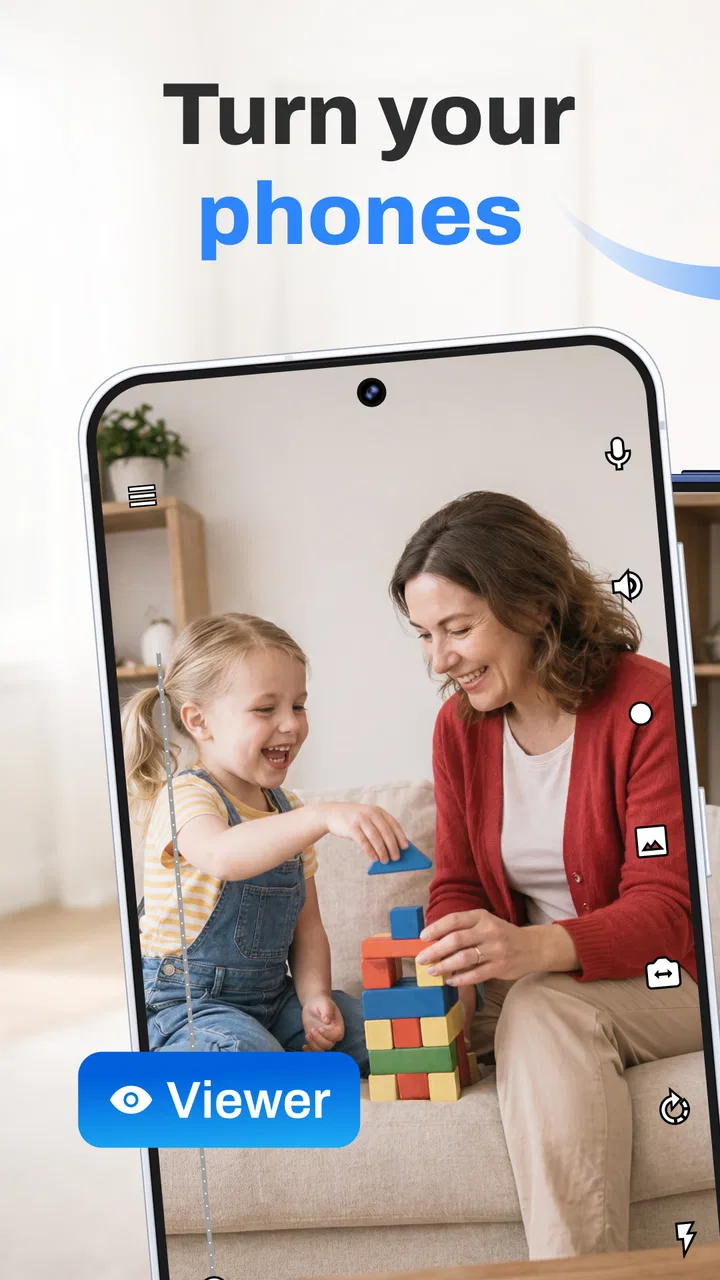
The central capability is live video surveillance using phones you already own. Instead of purchasing a separate indoor camera, I can place one device in a chosen location and use another to view what it sees. That division is important: the camera phone can remain in a quiet spot, while the viewing phone stays with me.
In everyday use, this changes the role of an unused handset. An older phone that is no longer comfortable as a daily device may still have a perfectly serviceable camera. Camy gives that camera a focused job. I would position it toward a crib, pet bed, entrance, workbench, or room where I need occasional visual awareness, then keep the second phone nearby for checking the live scene.
The strongest benefit is flexibility, not professional-grade protection. I can move the setup when my needs change, avoid drilling into walls, and stop using it when the situation is over. That makes it especially suitable for renters, temporary projects, travel accommodation, or a short period when I want to keep an eye on something at home.
There is also a useful psychological difference between a live view and a still image. A quick glance can tell me whether a pet is resting, whether a package area is clear, or whether a child has moved into another part of the room. I do not have to wait for a scheduled capture. The value comes from being able to look at the current scene when I choose.
Setting up a useful view rather than merely pointing a phone
The first setup decision is the camera position. I would not simply place the phone on a shelf and expect a good result. A stable surface, a clear line of sight, and a nearby power source matter more than small adjustments inside the app. If the phone shifts, the live feed may still work, but it may no longer show the area that matters.
For a doorway, I would aim for a view that includes the approach rather than only the door itself. For a pet, I would avoid framing a large empty floor area and instead include the place where the animal normally settles. For a storage room, I would choose a wide enough angle to reveal movement between shelves. These choices make the same phone much more useful without requiring extra equipment.
The viewing phone should also be placed where checking is convenient. If it is buried in a bag or left across the house, the live stream becomes less helpful. I prefer keeping it in a predictable location, such as a desk or kitchen counter, when I expect to check repeatedly. That turns the system into a quick visual check instead of a chore.
Because this is a phone-based arrangement, I would plan around ordinary phone limitations. The camera device needs to remain available for the monitoring task, and its battery deserves attention. A long observation period is more sensible when the device can stay connected to power and is positioned so the cable does not pull it out of alignment.
What the live view changes in a normal day
A realistic example is looking after a pet while working in another room. I might place an older phone where it can see the pet’s bed and use my current phone to check in without repeatedly walking away from a meeting or task. If the pet is calm, I can continue working. If the scene changes, I can decide whether a physical visit is necessary.
The same workflow can help while waiting for a delivery, keeping an eye on a room during cleaning, or checking whether a child has returned to a play area. The important point is that Camy reduces the number of unnecessary trips. It does not make decisions for me; it gives me a faster way to decide what deserves my attention.
I also see value in temporary home projects. If I am moving furniture, painting, organizing boxes, or working in a garage, a second phone can provide a view of a narrow passage or another room. That is more convenient than asking another person to stand watch, especially when the monitoring need lasts only an afternoon.
For remote checking, I would be careful about assumptions. A live stream is only useful when the devices can maintain the required connection and remain available. I would test the arrangement before relying on it during a trip or an important absence. A quick local test can reveal whether the camera angle, network conditions, power arrangement, and viewing position work together.
Small workflow choices that improve the result
One non-obvious advantage of using two phones is that I can dedicate the older device to the camera role instead of interrupting my main phone. That keeps the viewing device free for normal use and makes the arrangement easier to restart later. I would label the camera phone mentally as a single-purpose tool and avoid moving it unless I deliberately want a different view.
A second useful habit is to create a repeatable placement routine. I would mark the camera phone’s position with a small piece of removable tape or place it against a fixed object. This is not an app feature, but it solves a common problem: a phone can be nudged slightly and still appear to be working while no longer covering the important area.
A third trade-off involves the viewing distance. A close view of a doorway may show useful detail but cover less surrounding space. A wider room view may provide better awareness but make small activity harder to interpret. I would choose the framing based on the question I need answered: “Is someone entering?” requires a different composition from “Is my pet on the bed?”
Another practical tip is to test the setup at the time of day when it matters. A view that looks clear in daylight may be less useful in a dim room. I would not judge the arrangement only from a bright afternoon test if the intended use is overnight or in a shaded hallway. The app can provide the live connection, but the phone’s camera and the room’s lighting still shape what I can actually see.
Where this approach works best, and where it reaches its limit
Camy makes the most sense for people who already have two phones and want a low-cost, movable monitoring arrangement. It is particularly attractive when the need is occasional, the area is indoors, and a live visual check is enough. I would recommend trying it before buying dedicated hardware for a simple situation such as watching a pet’s room or checking a workspace.
It is less convincing for someone who needs a permanent security installation with specialized hardware and a carefully managed recording system. A dedicated camera may be a better choice when the device must stay mounted, withstand outdoor conditions, or operate as part of a larger security setup. Camy’s appeal is that it uses phones; that same flexibility means it inherits the practical compromises of phones.
Privacy also deserves a deliberate decision. I would never point a camera phone toward a private area used by other people without their knowledge and consent. In a shared home, everyone affected should understand where the device is and why it is there. The convenience of a live view is not a reason to ignore personal boundaries.
I would also avoid treating the app as an emergency response system. A phone-based live feed can help me see what is happening, but it does not by itself guarantee that I will notice an event, that the device will remain available, or that help will be contacted. For serious safety needs, a purpose-built system with the appropriate alarms and professional installation may be more suitable.
The free price makes experimentation easy, although in-app purchases range from $0.99 to $99.99 per item. I would look carefully at any purchase prompt and decide whether the added value matches my use before spending money. The right approach is to begin with the basic workflow I actually need, then consider extras only if they solve a specific problem rather than buying them out of curiosity.
Compatibility is also worth checking before planning around an older handset. The current version is 5.2.8, and the listed minimum operating system is Android 6.0. That makes the app accessible to a broad range of Android phones, but an old device can still have its own battery, camera, storage, or connection limitations. I would test the exact phone I intend to use instead of assuming that an old handset will behave like a newer one.
The app is marked suitable for Everyone, which fits the straightforward home-monitoring concept. That age label does not remove the need for adult judgment, especially when a camera is used around children, guests, roommates, or personal spaces. The responsible part of using a surveillance app happens partly outside the interface.
How it compares with the usual alternatives
Compared with a dedicated indoor security camera, Camy is easier to relocate and may cost nothing if I already own the phones. A dedicated camera usually wins on convenience after installation because it is designed to remain in one position. It may also fit better into a broader home-security setup. I would choose Camy for flexibility and a dedicated device for permanence.
Compared with a baby monitor, the phone-based approach can be more adaptable because the same hardware can be used for other rooms or short-term tasks. A traditional monitor may be simpler for a family that wants a purpose-built, always-ready arrangement. If I need a system that another caregiver can operate without learning a phone workflow, the dedicated option may feel less improvised.
Compared with asking a neighbor or family member to check a room, a live feed gives me immediate visual access and avoids repeated messages. However, it does not replace human judgment when something genuinely needs intervention. I see the app as a way to decide whether I need to act, not as a replacement for someone who can physically respond.
Compared with an old phone’s ordinary camera, the advantage is the live monitoring workflow rather than simply recording a clip. That distinction matters when I want to check the current scene. If I only need occasional documentation, another camera app may be enough; if I want to look in from another device, Camy is more directly aligned with the task.
Who should install it and who should skip it
I would suggest Camy to a renter who cannot install permanent equipment, a pet owner who wants quick visual check-ins, or anyone with a spare phone and a temporary monitoring need. It can also suit people testing a surveillance idea before committing to hardware. The low entry cost makes it reasonable to experiment with camera placement and daily routines.
I would be more cautious recommending it to someone who expects a complete security service. If the requirement includes outdoor coverage, professional installation, dependable long-term operation, or a carefully integrated alarm system, a specialized alternative is likely the better investment. The app is strongest when convenience and reuse matter more than a permanent infrastructure.
My final view is positive but specific: this is a useful way to turn spare phones into a flexible live video arrangement. I like it most for short-term indoor monitoring, where a quick look can save time and provide reassurance. I would install it with realistic expectations, test the exact devices first, keep privacy in mind, and choose dedicated hardware when the situation demands more than a mobile live view.
FAQs for Camy — Live Video CCTV
01What is Camy — Live Video CCTV and how does it work?
Camy — Live Video CCTV is a mobile application designed to turn your smartphone or tablet into a live video surveillance system. It works by using your device's camera to monitor and record activity in real-time, offering features like motion detection, cloud storage, and remote access through the app. This allows users to keep an eye on their surroundings from anywhere.
02Is Camy — Live Video CCTV compatible with both Android and iOS devices?
Yes, Camy — Live Video CCTV is available for both Android and iOS platforms. Users can download the app from the Google Play Store for Android devices or the Apple App Store for iOS devices. Ensure your device meets the minimum operating system requirements to install and run the app smoothly.
03Does Camy — Live Video CCTV offer cloud storage for video recordings?
Camy provides cloud storage options for users who want to save their video recordings securely. This feature allows you to access recorded footage from anywhere and is beneficial in case your device is lost or damaged. However, it's important to check if this service is included for free or requires a subscription.
04How does Camy ensure the privacy and security of my video footage?
Camy prioritizes user privacy by implementing encryption protocols to secure video transmissions and stored footage. The app offers password protection and secure login options to prevent unauthorized access. Users should regularly update the app and follow best practices for app security to maintain privacy.
05Can I use Camy — Live Video CCTV to monitor multiple locations simultaneously?
Yes, Camy supports multi-camera setups, allowing users to monitor several locations at once. This feature is beneficial for those who need to keep an eye on different areas simultaneously. Users can easily switch between camera feeds within the app, ensuring comprehensive surveillance coverage.
Pros
- Easy setup process for beginners.
- Supports multiple camera connections.
- High-quality video streaming.
- Real-time notifications for alerts.
- User-friendly interface design.
Cons
- Limited free features available.
- Requires stable internet connection.
- No offline access to recordings.
- Battery drain on mobile devices.
- Subscription needed for full access.

Camy — Live Video CCTV
Gallery